Step 1
Scan
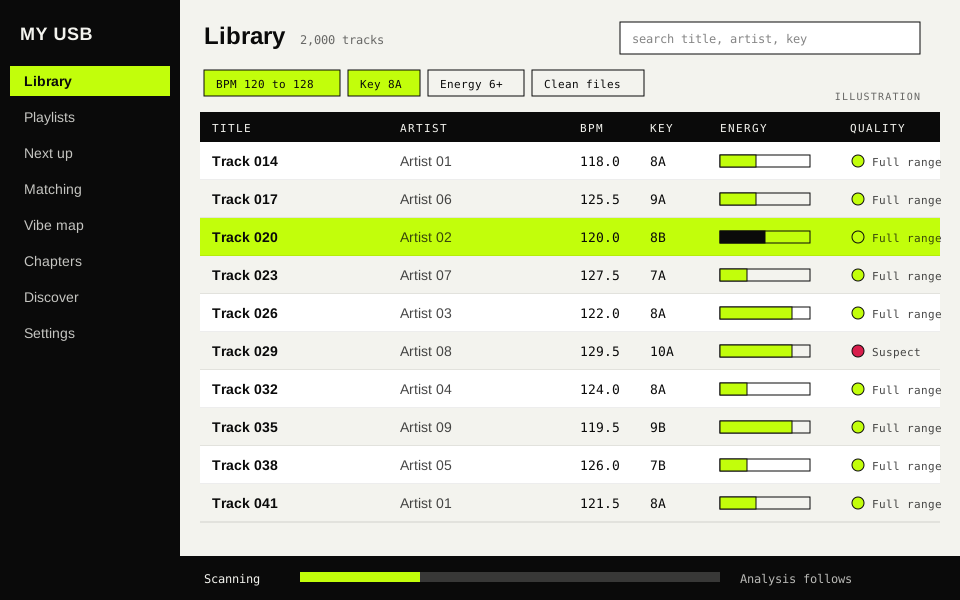
Point it at a folder. It reads mp3, wav, aif, flac, m4a, aac and ogg files and never writes to them.
02 / App
My USB scans my music folders, works out the BPM, key and energy of every track, and shows what mixes with what. I built it with AI for my own collection.
01 / Rundown
A folder of music files does not say how fast a track is, what key it is in, or what to play next. My USB works that out and keeps it all in one library. A session goes in four steps.
Step 1
Point it at a folder. It reads mp3, wav, aif, flac, m4a, aac and ogg files and never writes to them.
Step 2
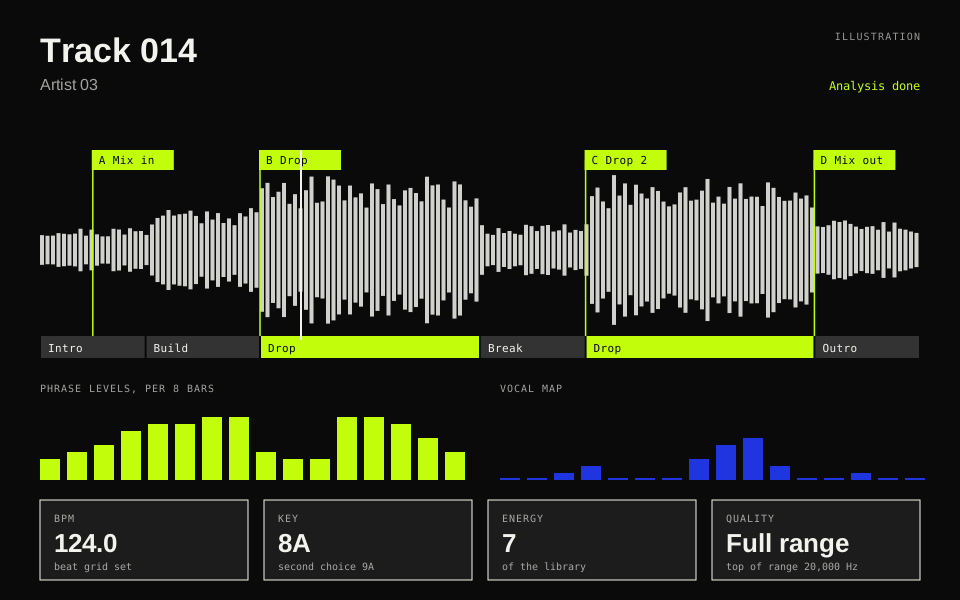
Each track gets a BPM, a key, an energy score and cue points. The AI pack adds genre and mood.
Step 3
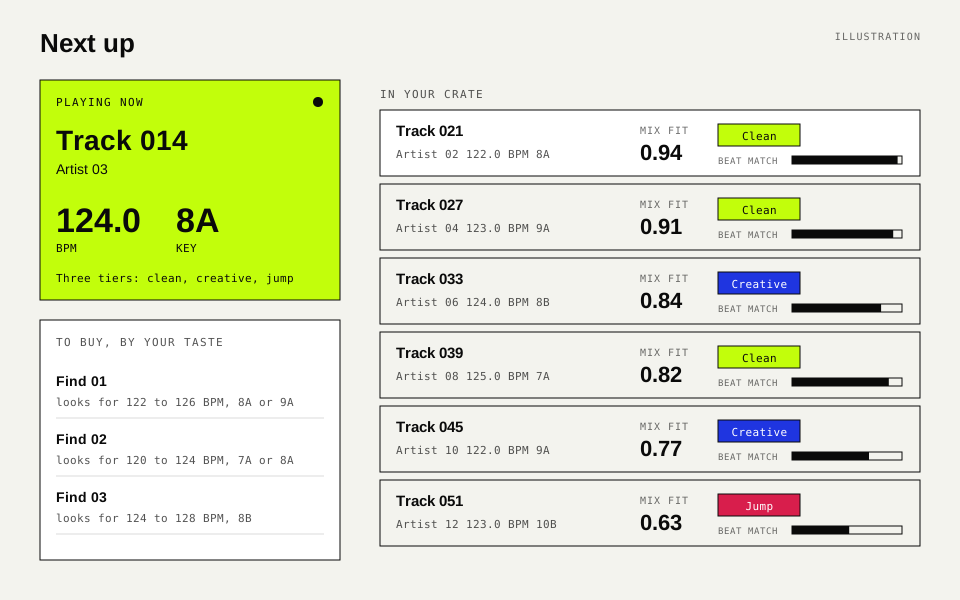
Pick a track and see which of mine mix after it, ranked by fit, with how ready the beat match is.
Step 4
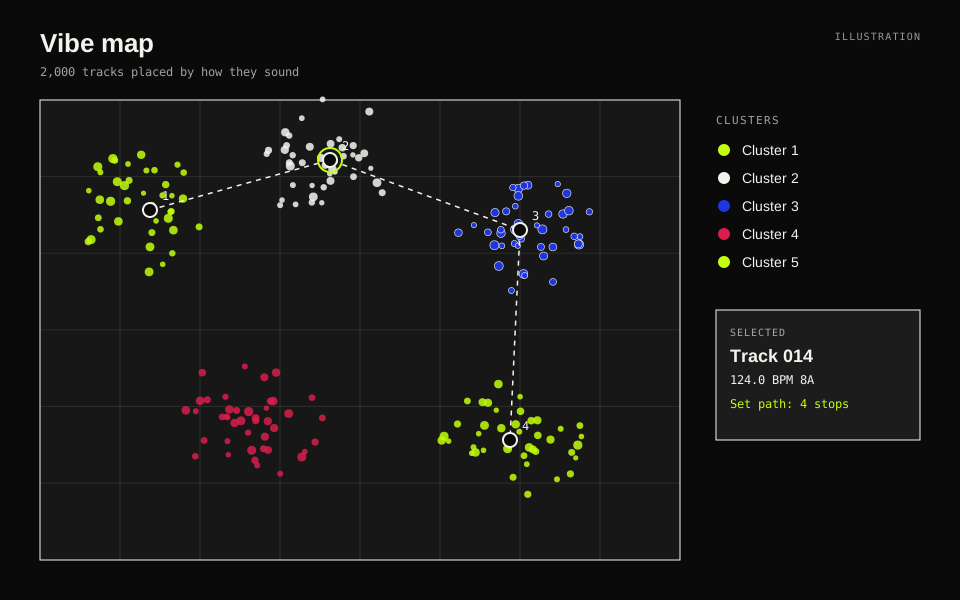
Every track lands on a map by how it sounds, so tracks that feel alike sit close together.
02 / Features
Nine parts, in three groups: the library itself, set prep, and what reaches past the PC.
Library / Scan
Progress shows in a status bar and each track fills in as it finishes. A re-scan skips unchanged files, finds moved ones and dims missing ones, so playlists keep their tracks.
Library / Analyze
A quality check flags files that look cut off at the top of the range. With the AI pack, two models add genre, subgenre and mood. Without it the app still runs on signal analysis alone.
Library / Match
For any track, a mix fit from 0 to 1, a tier (clean, creative or jump) and a beat match score out of 100. Two copies of one track show as one row.
Set prep / Map
A scatter map of the whole library by sound. Graph playlists, Magic Sort and Auto Group sit beside it as set-prep tools.
Set prep / Chapters
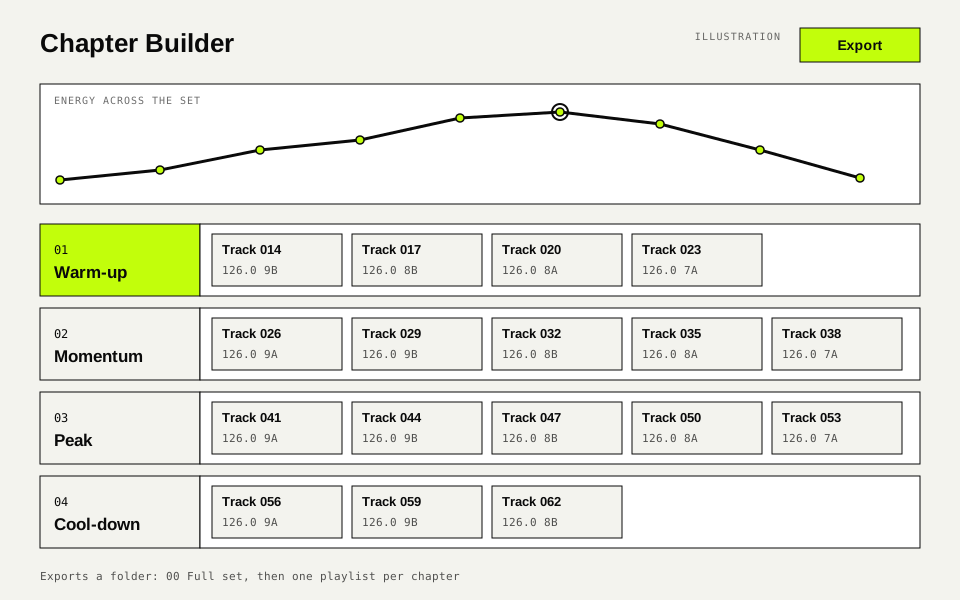
Split a set into chapters, such as warm-up and momentum, and get track suggestions for each one.
Set prep / Export
Sets export as rekordbox XML with beat grids and cues, or as M3U8 playlists. A merge mode only adds cues to an existing rekordbox collection. It can import one too.
Beyond the PC / Discover
A weekly run looks for new releases from my artists and labels. Cards play a 30 second preview. Buying opens the store in a new tab.
Beyond the PC / From sets
It reads the track lists of DJs I pick, at a human pace, and stops at any bot check. It shows what is climbing and what is new to me. Set Autopsy shows how one set was built.
Beyond the PC / Phone
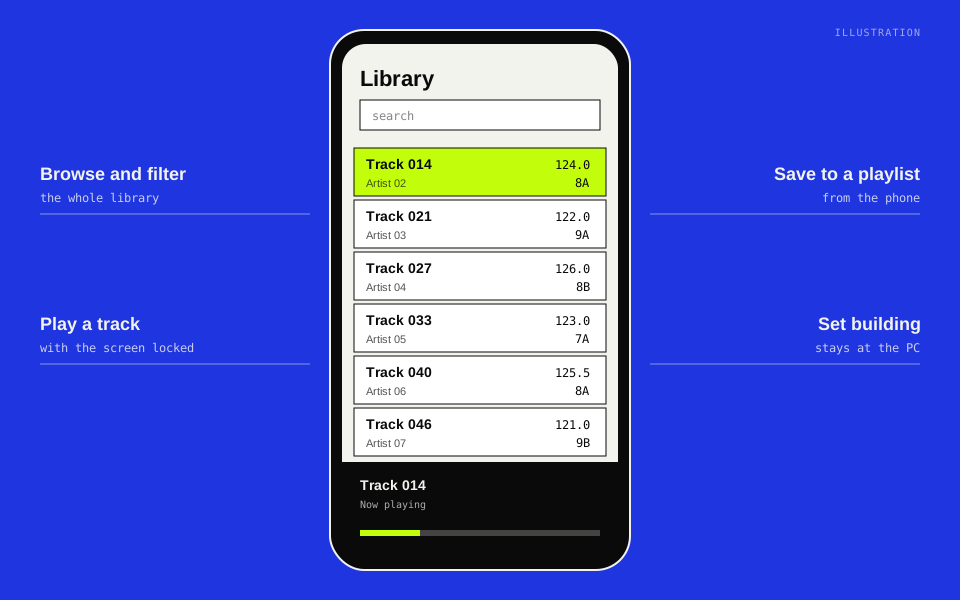
Behind a private sign-in, the phone is built to browse, filter and play tracks, with the screen locked too, and to save to a playlist. Set building stays at the PC. Scripted checks pass; a check on a real phone is still open.
03 / Gallery
These are drawings of each screen with made-up track names. Real screenshots are not on this page yet. Select one to see it full screen.
04 / Numbers
These come from the acceptance run on Nov 8 2026, measured on a desktop PC. Where a number is from a small test library, the chart says so.
Tests passing
1,685
767 for the UI, 918 for the engine
Answer key, BPM
13/14
Within 0.5 of the tag. The miss read double.
Answer key, key
14/14
Exact match on 14 store-tagged tracks
First scan, files/s
253
18 files. Reading tags alone: 802 files/s.
Speed on a big library
Milliseconds on a 20,000-track test library. The track list filter is a 95th percentile (p95). Lime is measured, grey is the limit it had to stay under. Measured on a desktop PC.
Speed on a big library
Seconds to place a 20,000-track test library on the map. Measured on a desktop PC.
Phone, emulated
Milliseconds. A 390 by 844 phone on a slow 4G profile, on a 2,000-track test library, run without the remote sign-in check. Measured on a desktop PC.
Phone, emulated
Kilobytes sent to the phone, on a 2,000-track test library. The last bar ran through the tunnel listener the live app uses. Measured on a desktop PC.
Test suites
Tests passing, run on a desktop PC. The headline 1,685 is the UI and engine suites. The other three suites run apart from them.
Not yet checked
Opening an exported set in rekordbox by hand is still to do. Only the file format is tested so far.
The phone view passes its scripted checks. The check on a real phone is not done.
Key reading has a known limit. On synthetic loops over a saw bass, 11 of 12 minor loops read as the major key. The real answer key stays 14 of 14.
05 / Next
My USB stays with me. If DJing is new to you, there is a guide for that.
My USB is not available to download or buy. It is a tool for one collection.